Venue and event production
Choose a space that suits your audience’s needs, theme and event type.
Create a stage and venue setup that gives your speakers and audience the best experience.
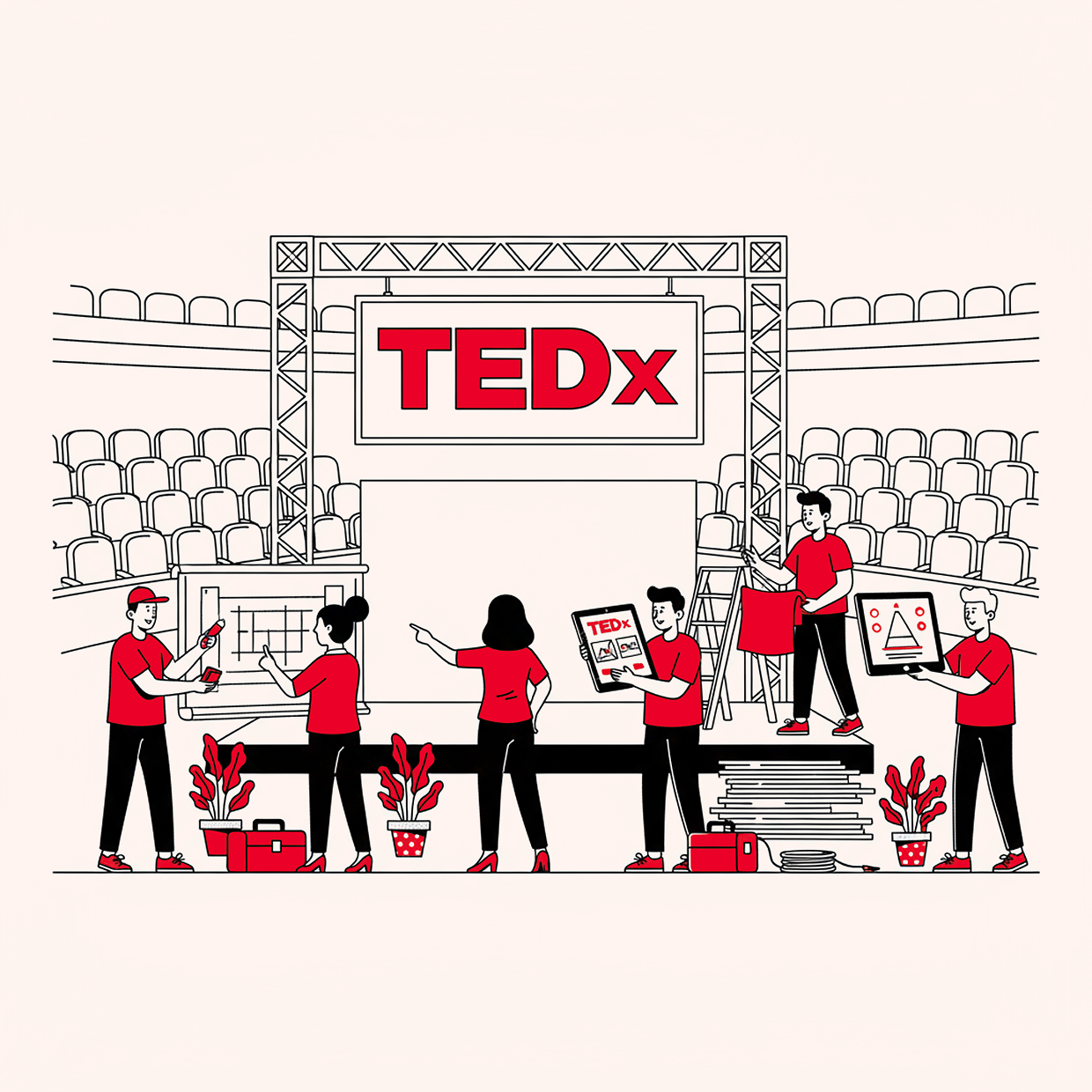
Event production is the magic behind TEDx events. Your venue shapes what's possible, so plan production alongside the space you choose.
Choose a venue
The place where you hold your event is a critical component of its success, so making sure it’s the right space is important.
Guiding principles
Here are some guiding principles to follow when it comes to finding and choosing your event space:
Strive for intimacy and comfort
It’s important to balance the size of your space with the size of your audience. Bigger doesn’t necessarily mean better, but you want to create enough space to give people room to stretch, mingle and breathe.
Keep it simple
Remember that the venue will set the tone of your event. Don’t choose a space that’s easy to get lost in.
Know your scale and ambitions
Work with your budget manager to figure out what you can afford for your event space. Can you get a space donated? Is your venue union-operated? This may impact your budget.
Venue checklist
As you evaluate a space, keep your production needs in mind — power, load-in access, screen placement, lighting and crew space all depend on the venue, so it’s worth weighing them before you book. (See Produce the event for the full picture.) Here’s a checklist of must-haves to look for:
Must-haves to look for
- An ability to project and watch videos
- A stage for the host and live speakers
- A location for food and beverage setup
- Conveniently located bathrooms
- Exhibit space for sponsor materials, speakers’ lounge, activities
- Party space for sponsored lunches and other events
Tips
Consider the venue’s production needs. You may want to rent it the day before so you have enough time to set up.
Venues based on event size
Your audience size will affect which venue you choose. Here are a few considerations:
For smaller events (under 100 guests):
- Select a more intimate venue so that you can host a comfortable gathering where people can easily connect with those sitting next to them.
- Look for a site that’s wide rather than deep, with the shortest possible distance from audience to stage, like a theater or auditorium (rather than a conference hall). This builds connection between speakers and audience and among audience members.
- Ideal venues for smaller events include small auditoriums, hotel conference rooms, theaters, “white box” spaces (think art gallery) and select music venues.
For larger events (more than 100 attendees):
- The longer and larger your event, the harder it is to create intimacy. Your goal isn’t the largest venue you can find, but the one that best fits your needs and expected audience size — you don’t want too much empty space.
- As with smaller events, favor a site that’s wide rather than deep to keep the audience close to the stage.
- If your seating area is flexible, create a “thrust stage” where the speaker can walk out into the audience.
- Continental-style seating — deeply spaced rows, no center aisle, a big slope — lets everyone see the stage well.
- Pick a space that’s easy to get to and has plenty of parking.
- Make sure there’s a large space outside the main stage area for easy traffic flow and a good networking atmosphere between sessions.
- Ideal venues for larger events include lecture halls, auditoriums, museums or city art centers.
For even larger events (over 300 guests):
- It can be difficult to find a larger venue, so start your search well in advance.
- Look for spaces with outdoor plazas. Is it possible to close down part of a street for your event? Think of creative (and legal) possibilities.
- Ideal venues for very large events include concert halls, opera houses, large hotel conference centers and stadiums.
Design the venue
Work carefully to craft a stage and venue setup that creates a smooth experience.
Design the main stage
Your stage design will make a significant impact on your event. Make sure you:
Include your full event name logo
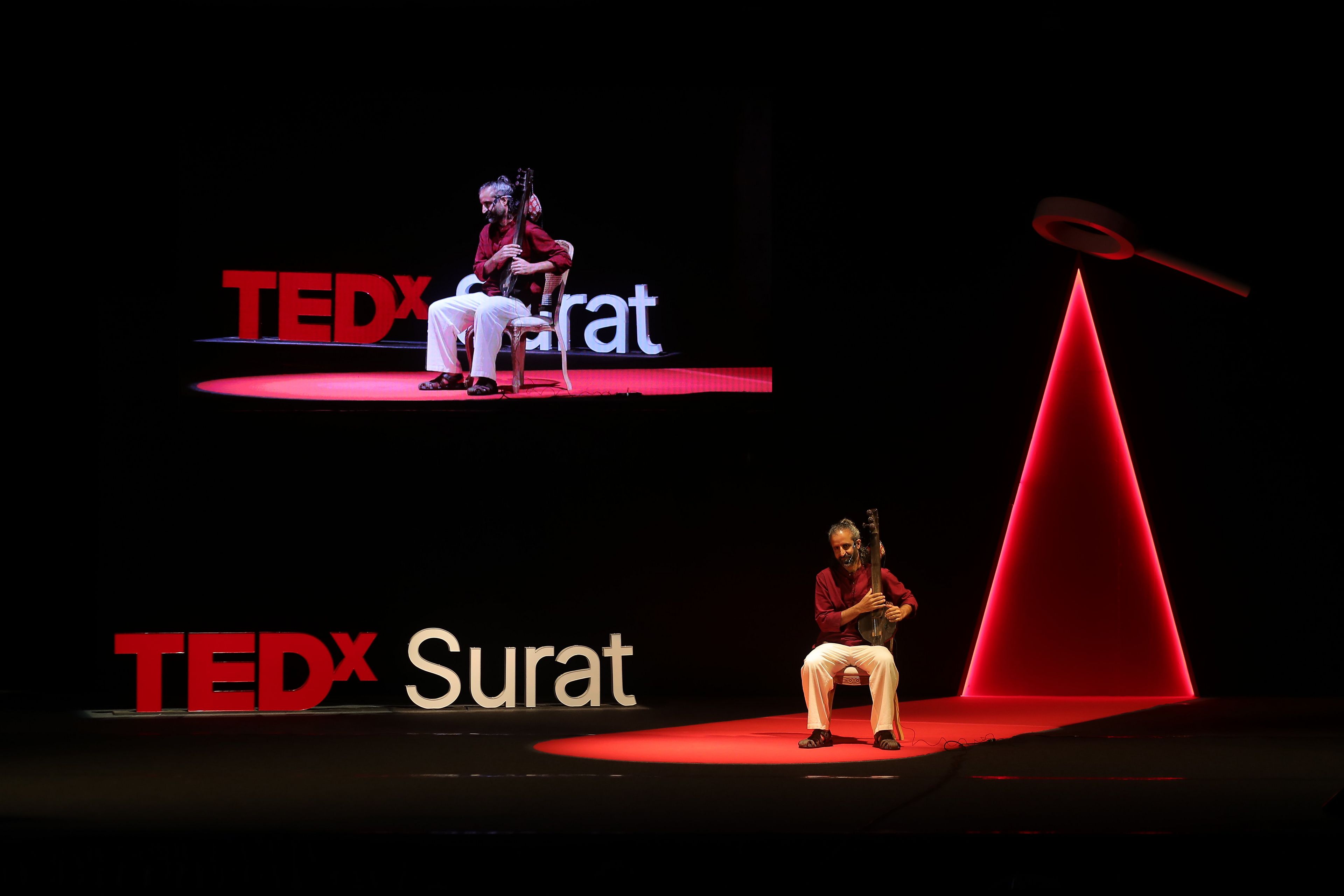
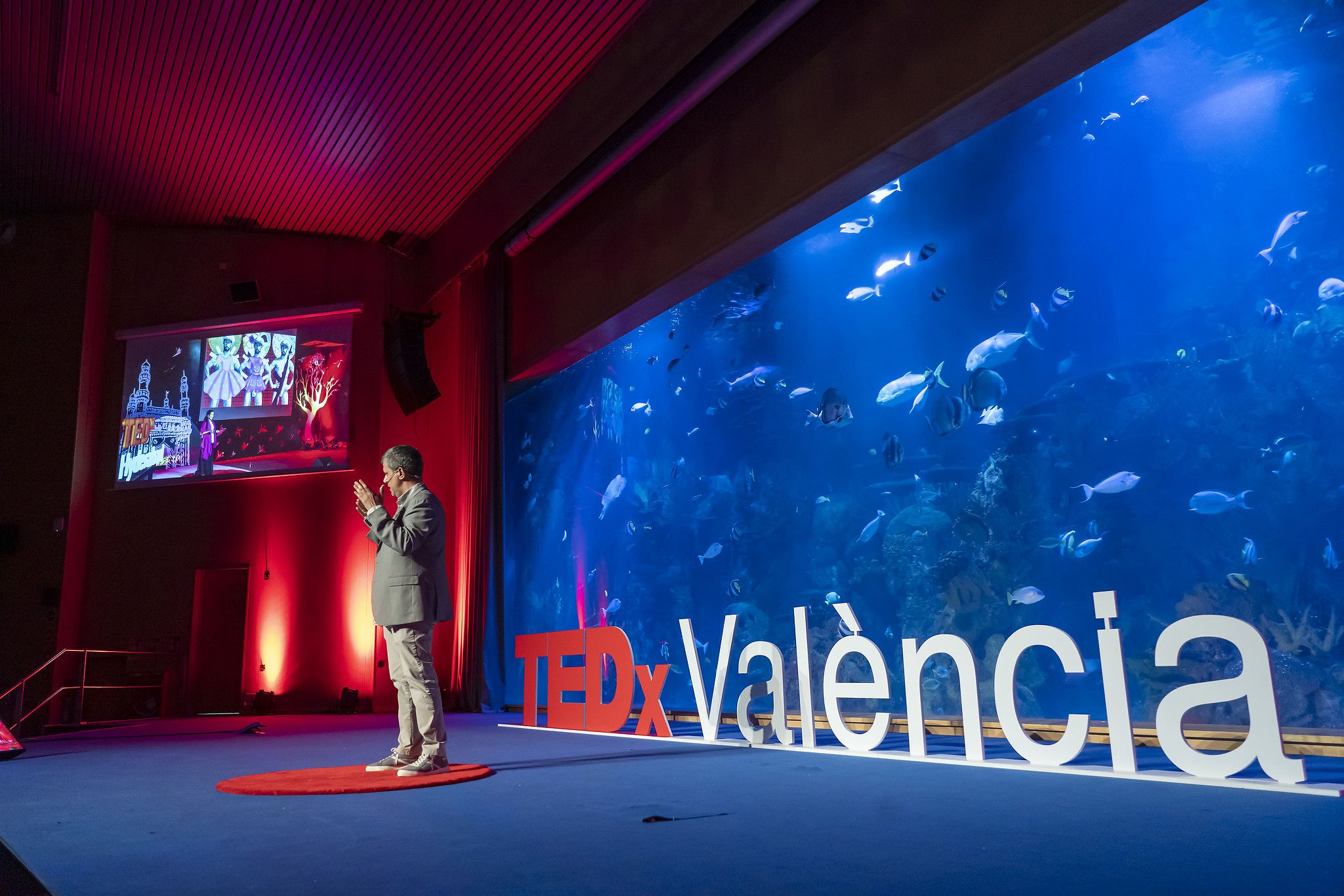
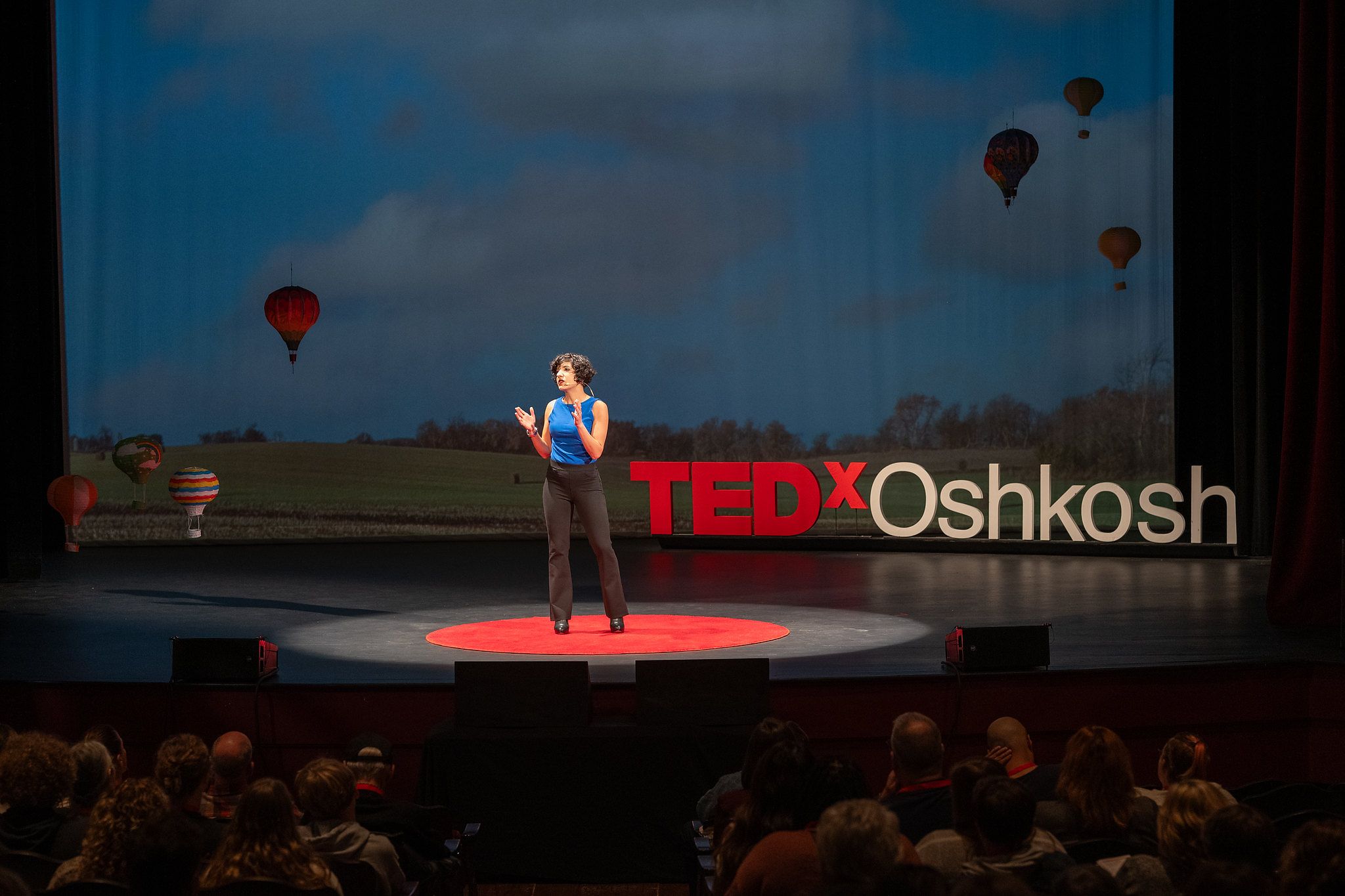
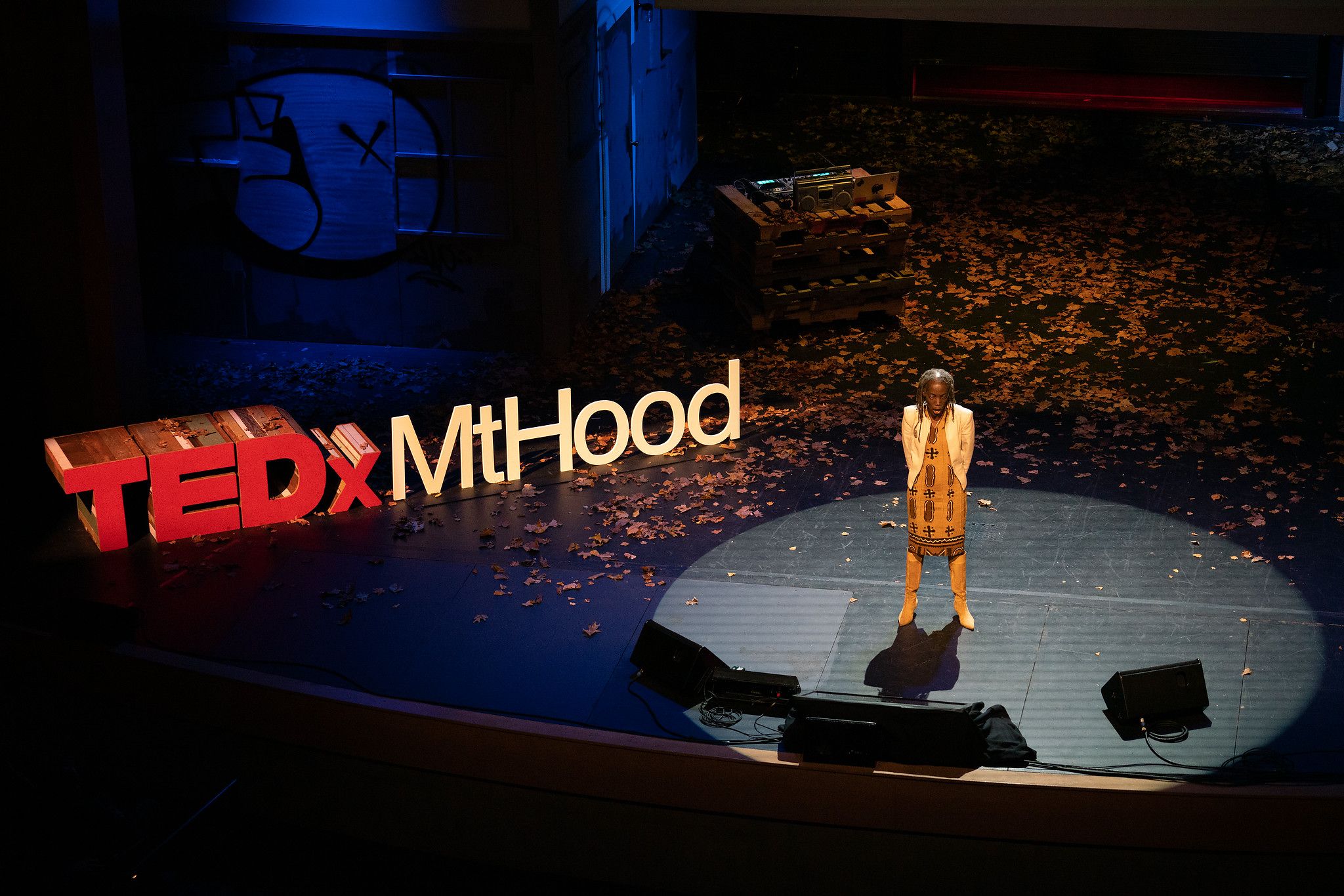
Every TEDx stage must include your full, official event name in a visible space. You can use classic standing physical letters, but they’re not required — an image projected onto a screen or wall, or a designed poster, also works.
Consider the view
Position your speakers, the screen and any props carefully so there’s a good view for the audience. For example, give your speakers a specific place to stand for their talk.
Get creative
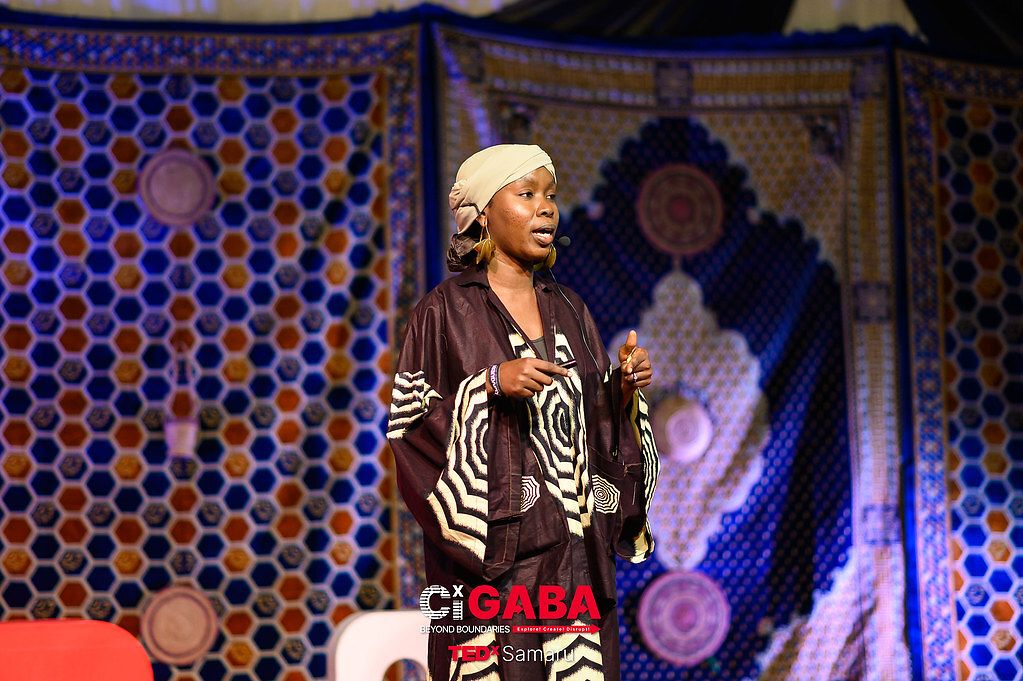
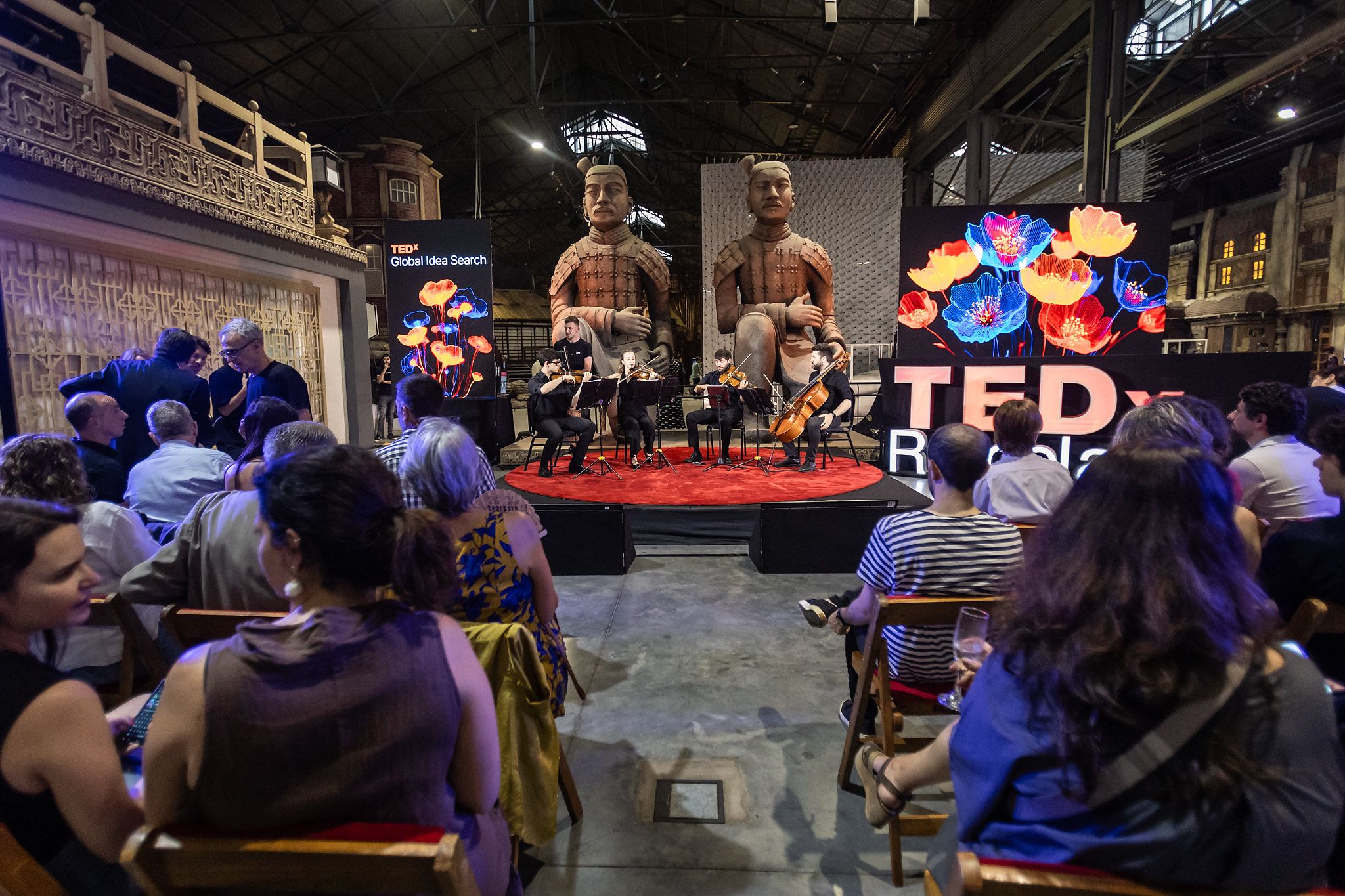
A bare stage can look cold and flat, so consider adding some decoration: showcase your region, city or local culture with props and visual elements. Even an interesting piece of art or furniture — something that speaks to your theme — can give your event personality and accent the speakers on stage.
Screen setup
The screen you use to show your speaker slides and other media should be well-placed for your whole audience.
Screen position
Place your screen so the audience can see it without turning their heads, and so your speakers won’t block the view. Your screen should be well above your tallest speaker’s head so your cameras can get a clear shot of all your speakers. If this isn’t possible, position your speakers to one side of the screen.
Presentation dimensions
Use a screen that’s large enough for people in the back row to see clearly, and choose a 16:9 aspect ratio for slides and images.
Stage lighting
Lighting shapes how your stage feels in the room. A few things to get right:
Light the stage
Light enough of the stage so speakers can move around freely. If you can, put a light on your TEDx event’s logo, and light your drape or background.
Keep light off the screen
Try to prevent light from spilling onto the screen — stray light can cause problems for both the live and recorded experience.
Stage lighting also has to read well on camera, which is a different craft from lighting the room. For three-point setups, separating the speaker from the background, and other camera lighting, see Film, photograph and stream.
Seating arrangements
Consider your whole audience as you design your seating.
Consider the view and comfort level
If you’re creating your own seating arrangements, think carefully about the comfort of your whole audience. Make sure everyone can see the screen and/or the speakers, and can navigate easily between rows. One option is to elevate the seats.
Easy entrance and exit
Offer your host and speakers a clear path to get on and off the stage. There’s no need for a green room — participants and your host can even enter the stage from the audience. See the Production Guide for more tips.
Tips
A red circle carpet is a popular choice for TEDx stages, but it’s not required.
Rule reminder
Every TEDx stage must include your full, official event name in a visible space. You can use classic standing physical letters, but they’re not required — an image projected onto a screen or wall, or a designed poster, also works.
TEDx examples1/6
Design beyond the stage
The space beyond your stage shapes your attendees' experience too — design it so they're comfortable and engaged between sessions.
Map out the space
Create a blueprint for your event space and label where everything goes — sponsor areas, tech crews, restrooms, speaker prep, food and drink and where guests will mingle between sessions. Seeing it all laid out helps you spot crowding or gaps before the event, not during it.
Make it easy to navigate
Attendees should be able to find their way without thinking about it. Does the venue have built-in signage to restrooms, exits and other spaces? Are the paths clear and roomy enough for people to move between sessions — walk to and from the bathroom, form a coffee line, get back to their seats — without crowding? If not, plan for your own signage and an open, easy-to-navigate layout and keep any signage you create consistent with your logo and theme.
Filling the space
Find out what your venue comes with and what you'll need to supply. Does it include furniture — chairs, tables, lounge seating — or will you rent those separately? The same goes for staging, linens, trash and recycling bins, and any equipment for your social and activity areas. Make a list of what the space provides versus what you'll bring in, since rentals add up quickly and affect both your budget and your load-in plan.
Leave room for what you’ll offer
- Decide the kind of off-stage experience you want to create, then make sure your venue can physically accommodate it — space for food and drink, social and lounge areas, exhibits, and any sponsor or activity areas. For ideas on what to offer, see Offstage programming, which covers workshops, exhibits and installations, creative stations, speaker meetups and shared meals. Choose your experiences first while thinking about whether or not your venue and space can support it.
Tips
Walk the path your attendees will. Once your layout is set, physically walk it — from the entrance to your seat, to the bathroom, to the coffee line and back. Bottlenecks are obvious on foot in a way they never are on a floor plan.
Produce the event
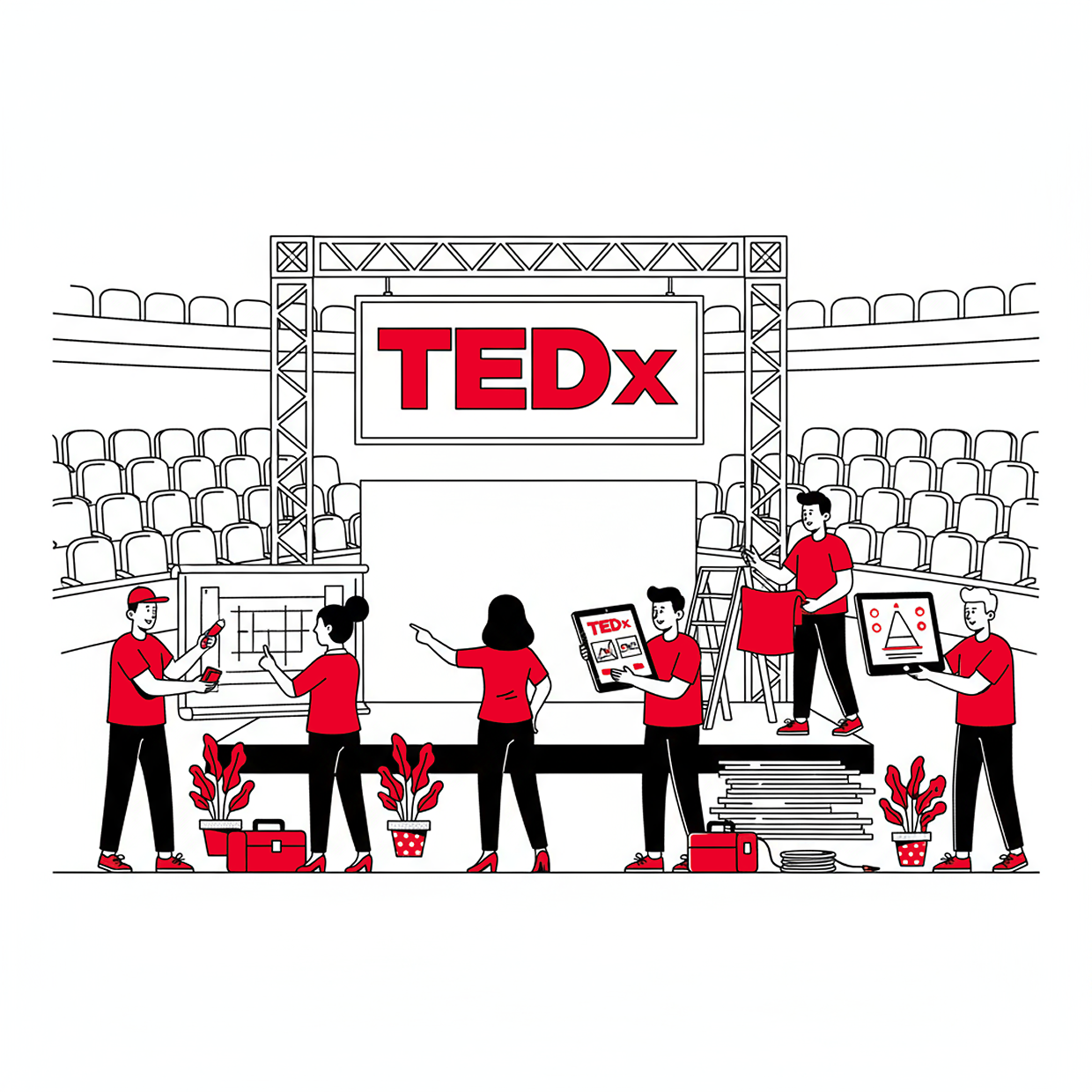
This section covers an overview of event production — the logistics, crew, sound, power and day-of coordination that make the live event run. The full details are in the TEDx Production Guide.
For capturing your event and video production — filming, recording and uploading your talks — see Film, photograph and stream.
Event production
Any event producer knows there’s a lot to cover. The key to success is to plan ahead and take care of your needs as early as possible. Here are the need-to-knows that will guide your production planning:
Logistics
Your video and production manager should create a production schedule and checklist so you have everything covered. This includes the smallest details: when and where will your equipment be loaded into the venue? (Hint: the day before the show.) Who is the point person for video setup? Logistics should be a priority in your production planning.
Equipment and crew
There’s a good chance you’ll have multiple people managing production. Make sure you have enough people to cover all tasks, that everyone knows each other well, and that you have a list of the equipment needed for each aspect of production.
Audio
Your microphones are one of the most important parts of your event — they’re how speakers reach the room. Double- and triple-check that every mic works and that the sound is balanced for your space, and test them well before doors open. For capturing a clean audio feed for your talk videos, see Film, photograph and stream.
Running slides
Have all live speakers rehearse with their slides to make sure everything works. Decide in advance whether each speaker advances their own slides with a remote or whether one person handles slide changes, and confirm every deck is loaded in the right order according to your event program.
Technology
What technical needs do you have for recording your live talks and featuring any recorded TED Talks? Will someone fill the role of technical assistant if problems arise? Will your event have wi-fi? Hire or assign someone with tech experience as technical director to make sure all your tech needs are in place.
Preparing for video and recording
You’ll want your video at its highest quality so you can share your speakers with the world. All the guidance on filming and recording your talks — cameras, audio capture, lighting for video, and uploading — lives in Film, photograph and stream.
Electricity
Make sure you have electric outlets in the right places and/or enough extension cords. Know where the circuit breaker is in your venue in case of a blown fuse and ask the venue owner or manager about any other electricity needs you should be aware of.
Communication channels
On the day of the event, your production crew and manager should have an easy, reliable way to stay in constant contact.
- Consider a two-channel Clear-Com or similar party-line system: one channel for the technical director to call lighting and presentation cues, and one for the camera director to relay directions to each camera operator. This allows overlapping dialogue and is far more effective than walkie-talkies during the event.
- All relevant members of your team should also be able to reach each other and key leads easily, via group chat or another method.
TEDx Production Guide
FAQs
How do we change the venue on our event page?
You can change your event venue on your TEDx event manager on TED.com, click ‘Edit event details’ on the event you would like to change and adjust location.
Please note that if the date and time details have not yet been filled out then you will need to add those details in order to save your venue change information. Your venue will not be saved if your time is left at the default “12:00 AM” or if your date is not filled in. Additionally, your information will not be saved if the event is more than one day.
If you cannot locate your event page in your TEDx event manager, please let us know.
More questions? Ask TEDxAssist!
Am I required to have my TEDx name physically displayed on my stage?
No, physical 3D letters aren’t required. You can use a 2D sign or projection instead. The key requirement is that your full licensed event name is clearly and prominently visible on stage.
Many teams create their own letters, partner with local schools or universities, or purchase them. Choose an approach that fits your budget, stage size and overall design. For more guidance, see the Design the Experience section of the TEDx Organizer Guide.
More questions? Ask TEDxAssist!
How many people can I have in simulcast rooms?
You may have a simulcast lounge in the same venue as your main event, but the total amount of attendees in one venue cannot exceed 100 people if your event is not licensed to host over 100 attendees. You may organize a watch party in a separate venue for up to 100 people. Only events that are licensed to host more than 100 people may have more than 100 people at their watch parties.
More questions? Ask TEDxAssist!
Can my event be more than one day?
It depends on your licensing tier. The Summit or Legacy licensing tiers allow organizers to host two-day events, but Community or Community Plus tiers are for one-day events. Find your licensing tier here.
More questions? Ask TEDxAssist!
Need more help? Visit help.ted.com
Select ideas and speakers